Set the atmosphere
The wide scene is reserved for the Rabbit Hole landing experience and occasional major section introductions.
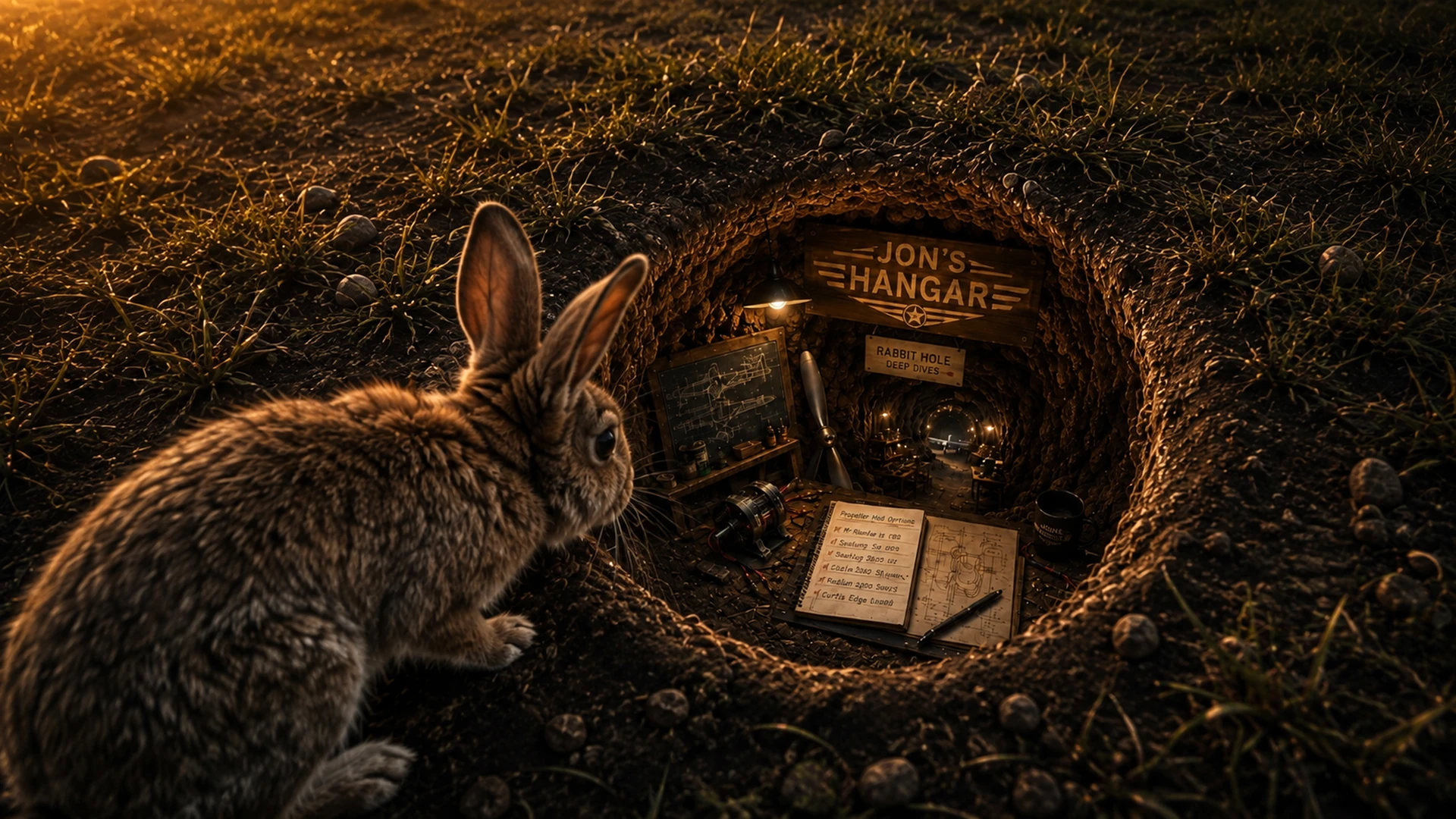
 Design & Concepts · Rabbit Hole
How one visual cue became the optional doorway from Jon's main aircraft stories into the calculations, alternatives, dead ends and evidence behind a decision.
The design problem
Jon's Hangar is organized around aircraft and the rooms where the work happens. That keeps the main restoration and build stories readable, but some decisions deserve a longer trail: the options considered, the calculations, the physical evidence and the reasons one path survived.
The Rabbit Hole became the visual signal for that optional layer. It tells a visitor that the next step is not another room or a routine project update. It is a deliberate technical deep dive.
One system · two coordinated assets
The wide scene is reserved for the Rabbit Hole landing experience and occasional major section introductions.
Icon 1—the two-tone rabbit silhouette, grass rim and dark oval opening—identifies article cards and technical-story entries.
The smaller counterpart appears beside Rabbit Hole links, related-content boxes and navigation cues without competing with the evidence.
Rabbit Hole · Go deeper
The official mark carries the identity when the full underground scene would be too large or too distracting.
Responsive presentation
The wide scene is delivered as responsive WebP files at 640, 960, 1280 and 1600 pixels wide. The browser can select an appropriate source for the available screen instead of routinely downloading the full 1920-pixel production image.
The official Rabbit Hole mark is supplied separately at 64, 128, 256 and 512 pixels. Its simplified silhouette remains legible at inline size without forcing the photographic hero into a space where its detail would disappear.
Back to the exhibit
The Gallery shows the finished identity; Rabbit Hole stories carry the deeper trail.